
Meet My New Planner Bestie: The STK Planner Companion
Hello, PK Fam! Jennifer here, dropping in with my newest planner bestie: the STK Planner Companion! 📖✨
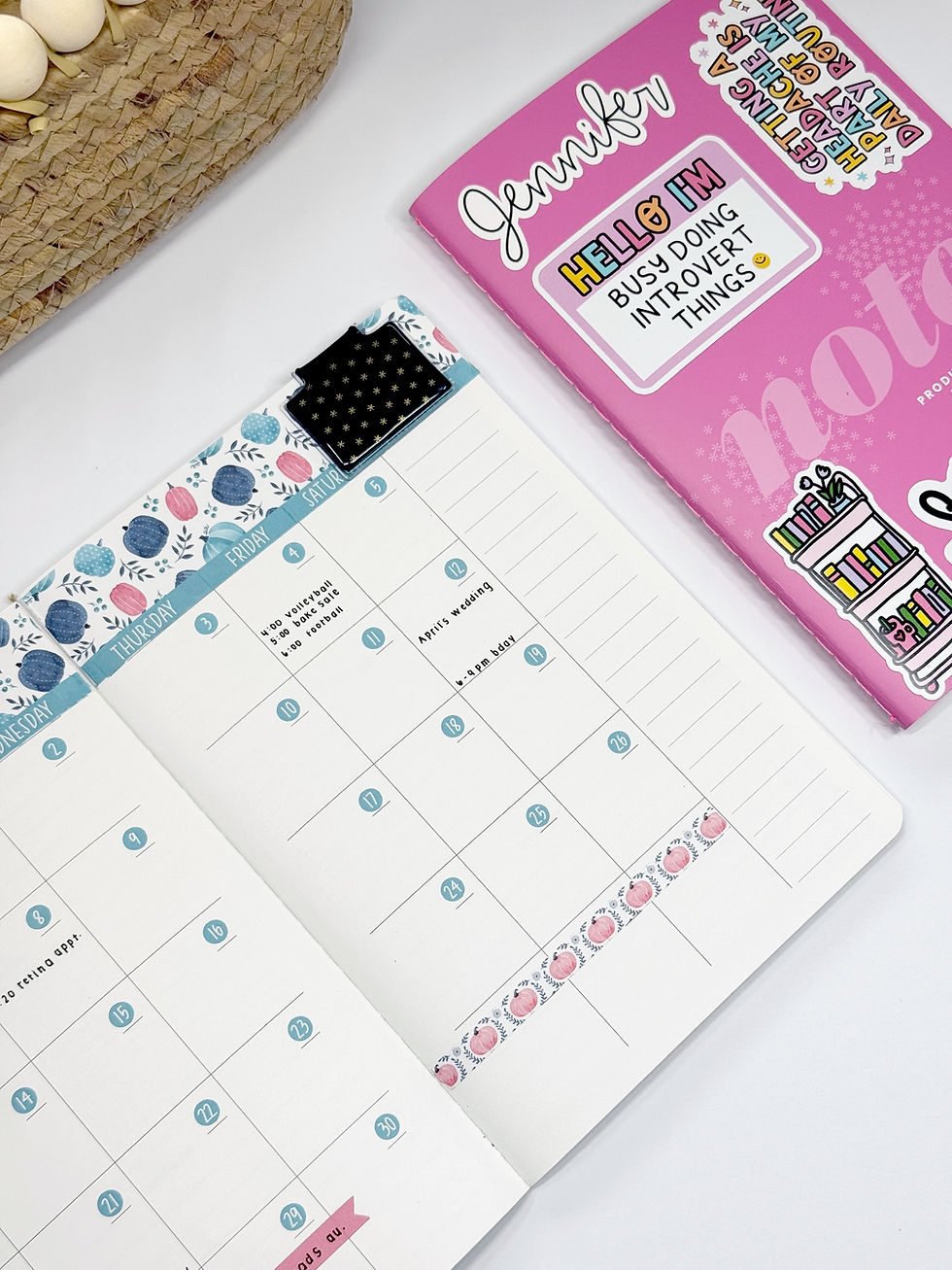
If you follow along on my personal YouTube channel or Instagram account, @happyplaceplanning, you probably already know that I've been completely smitten with the Erin Condren PetitePlanner system lately. I have been having so much fun figuring out how to make the system work for me, and I've recently curated my setup even further so that it doesn't duplicate what I'm already doing in my main planner.
And I am SO excited to share my newest setup with you!
Why I Needed a Planner Companion
I wanted a place for all the things that I want to track, plan around, dream about, or simply do for fun.
Goals.
Visions.
Books.
Places I want to go.
Things I want to watch.
Projects.
Health and wellness tracking.
Fun lists.
All those little pieces of life that don't necessarily belong in my everyday planner, but that I still want somewhere to live.
And then one day it hit me:
PlannerKate's STK vision boards and dashboards are PERFECT for this!
I knew immediately that I wanted to incorporate them into my PetitePlanner system.
Now, you absolutely don't have to use a PetitePlanner for this idea! You could easily create this exact same setup using the monthly notes pages in your planner, the notes pages at the back of your planner, or a dedicated companion notebook.
For me, there was another little piece of the puzzle.
I love my coiled Erin Condren LifePlanner, but I use stickers every single week on my weekly pages—and coil real estate is a very real thing! 😂
So instead of adding all of these additional pages to my main planner, I decided to give them their own home.
And that's how the STK Planner Companion was born!
Choosing My Size
PlannerKate's STK dashboards are available in both 7x9 and A5, so you can choose whichever size works best for your setup.
Since the Erin Condren PetitePlanner inserts are A5-sized, I went with the A5 STK sheets for my companion.
And once I started mapping everything out, I realized something else that made this setup make SO much sense for my brain.
The STK collection is already organized in a pretty logical, linear way!
There are a few exceptions—and we'll get to those—but overall, the collection naturally moves from broader, big-picture planning into more specific planning.
And that's exactly how I like to plan.
I tend to think in terms of:
Year → Quarter → Month → Week → Day → Hour
So why not use that same logic for my companion book?
Section One: Yearly & Annual Dashboards
I started my companion with what I'm calling my STK Yearly/Annual Dashboard section.
This is where I put the big-picture pages that I want to reference throughout the entire year.
This section includes things like:
Year on 2 Pages
Yearly Vision Board
Annual Habit Tracker
Coupon Code Tracker
This Year Tracker
Sticker Kit Tracker
Annual Birthday Log
Workout Tracker
Monthly Bookshelf
Migraine Log
Period Log
Annual Bill Tracker
Password Tracker
Year in Pixels
I love having all of these pages together because they are things I can reference throughout the year without needing to squeeze them into my everyday planner.
And, let's be honest, having a dedicated page for some of these things is WAY more satisfying than trying to make them work in a random notes section. 😂
To make shopping easy, I've included the listing pics, which are also direct links!


This is just an initial setup, and I'll definitely be sharing some completed pages later, but here's a look back at a previous page.

sticker sheet: STK-111 Year in Pixels (7x9)
addition sticker: V-58 Mini Dot Doodle
*This is actually a picture of my planner from last year, when I put everything in my coiled planner. But it is one I plan to incorporate for this setup, so I thought I'd show you how well the dot stickers work on this sheet. I was tracking the high temp for the day!
Section Two: Quarterly Planning
Next up: my quarterly section!
This is where I moved into the STK quarterly dashboards, including things like:
3 Month Calendar
Measurement Chart
Quarterly Perpetual Calendar
I really like having a dedicated quarterly section because it gives me that nice middle ground between my big-picture yearly pages and my more specific monthly pages.
You Could Also Organize by Category!
And here's where I want to emphasize that there is no right way to build this companion.
You could absolutely organize yours chronologically like I did, but you could also organize your pages by category.
For example, instead of putting everything annual together, you could create a Health & Wellness section and put all of your health-related trackers together.
Then maybe a Hobbies section.
A Self-Care section.
A Home section.
A Reading section.
The beauty of this setup is that you get to decide what makes the most sense for your brain!
Section Three: Monthly Dashboards
After my quarterly pages, I moved into my monthly section.
This is where I included things like:
Sleep Tracker
Weight Tracker
Step Tracker
Monthly Vision Board
These are things that I may want to revisit or update throughout the month, so having them grouped together makes them easy to find.
And then we get to my favorite part...
The Customizable STK Dashboards
There are quite a few STK dashboards that I had on my list that could realistically fit into any of these three sections—yearly, quarterly, OR monthly—depending on how you personally use them.
One of my favorite examples is STK-194, the Book Cover Tile Page. If you read A LOT, you might fill up this page in a single month. In that case, I'd recommend putting it in your monthly section.
But if you read more casually, you might only need one page for the entire year. Which means it would make much more sense in your yearly section.
Same sticker. Same dashboard. Completely different use depending on the person!
Some of the other dashboards that I think fall into this flexible category include:
Places to Go
Restaurants to Try
Movies to Watch
TV Shows to Watch
Books to Be Read
House Projects
Gift Ideas
Prescription Log
Doctor Appointment Log
Project Planning
Online Orders
100 Mile Walk Tracker
And those are just a few!
This is where I think the STK Companion really starts to become your planner.
Some of My Favorite Functional Pages
Of course, I couldn't create an entire companion planner without including some of my favorite functional planning pages!
One of the pages I knew I wanted to include was the Ideal Week. And this one is a perfect example of why customization matters. My ideal week during the summer looks A LOT different than my ideal week from September through December because I work in education and have summers off. So depending on the time of year, I could use an Ideal Week page differently or even create multiple versions.
And that's exactly the kind of planning that I wanted this book to hold.
A Companion That Actually Has Its Own Purpose
One of the things I love most about this setup is that this is just one of the books in my PetitePlanner system.
It isn't trying to be my main planner.
It isn't duplicating my weekly planning.
It isn't another place where I'm writing down the same appointments and tasks.
It has its own purpose.
It's truly acting as my planner companion.
And honestly? I think that's one of the reasons I've fallen so hard for the Erin Condren PetitePlanner system. Each book can have a specific job instead of trying to make one planner do absolutely everything.
PlannerKate just took that idea up a notch!
And I have to give Kate five gold stars for one very important reason. I have ZERO desire to hand-draw all of these inserts into blank planner pages myself. 😂⭐️⭐️⭐️⭐️⭐️
Give me the beautifully designed, ready-to-use sticker dashboard every time!
Want to Set One Up With Me?
If you want to see me put this entire system together in real time, head over to my YouTube video!
You'll be able to see exactly how I'm organizing my STK Companion, how I'm deciding where each dashboard belongs, and how I'm making the system work alongside my existing planners.
And that's really the best part of this whole idea. The possibilities are endless.
You could create an A5 companion like I did.
You could use the 7x9 version.
You could add a few STK dashboards to your existing planner.
You could use your monthly notes pages.
You could make an entire book dedicated to your hobbies, goals, health, home projects, or bucket lists.
There really isn't a wrong way to do it!
I cannot wait to see if you decide to create your own STK Planner Companion and what you choose to put inside it.
Thanks for hanging out with me today, PK Fam!
💕 Happy planning!



Love this article, definitely book-mark worthy😉. I agree, way to level up the PK stickers and the EC Petite Folio System👍🏻 love it!